Planning an Auracast product line: transmitters, receivers and the app in between
An Auracast line has three parts: something that broadcasts, something that listens, and an app that connects them. What a brand needs to decide for each.
Auracast is the broadcast feature of Bluetooth LE Audio. One transmitter sends a single audio stream, and any number of receivers nearby can join it. For a brand, that changes what a product line looks like. A classic Bluetooth product is one device paired with one source. An Auracast experience only works when three parts fit together: a transmitter, a receiver, and a way for the listener to choose a broadcast.
This article walks through the decisions behind each part. For the technology itself, see Auracast broadcast audio.
1. The transmitter: where does the sound come from?
Many phones, TVs and computers do not broadcast Auracast yet. A transmitter adds it, and the first question is which source it has to serve.
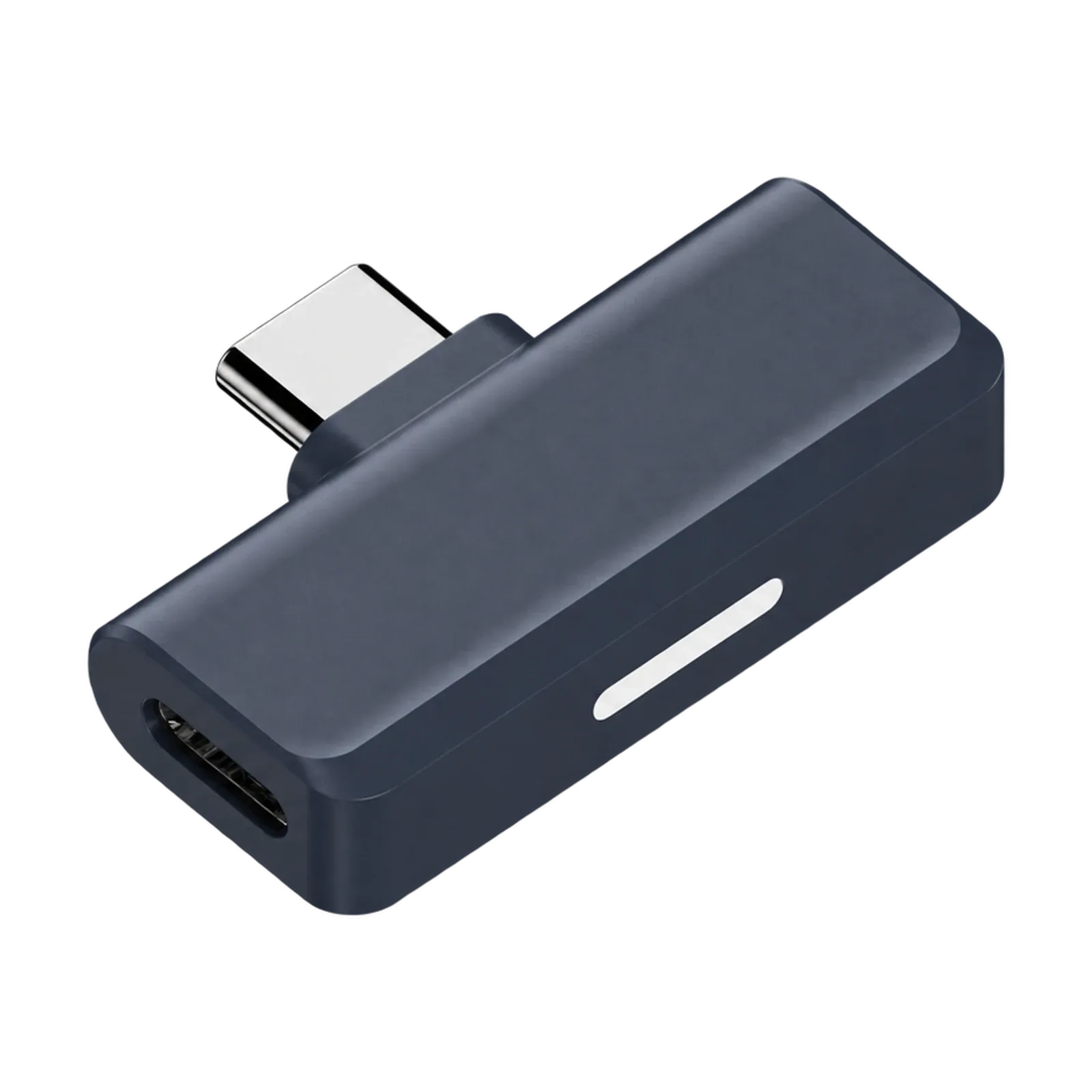
- Phones, tablets and laptops need a small USB-C transmitter that plugs straight in. Our dongles take this role.
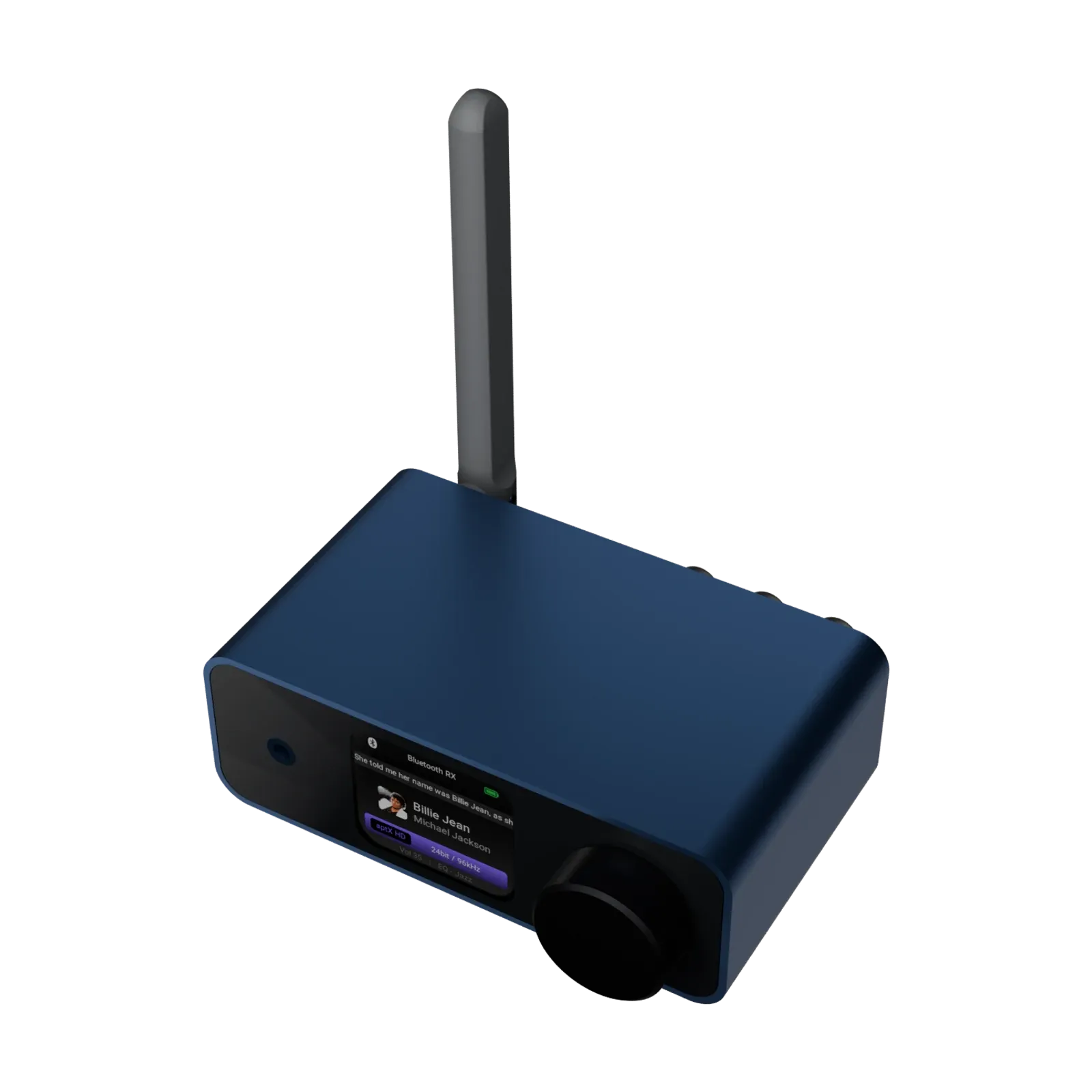
- TVs, computers and hi-fi systems need more inputs. A desktop transmitter such as the EV160 takes audio over USB, optical, coaxial, RCA or HDMI ARC and broadcasts it, while keeping local outputs for the speakers already in the room.
Two settings on the transmitter shape the listener’s experience:
- Broadcast name: the name receivers see when they look for a broadcast. A clear name matters when there are several broadcasts in range, such as in a gym or an office.
- Password: an encrypted broadcast can only be heard by people who know the password. Use it for a TV at home or a meeting room. Leave it open for public announcements.
2. The receiver: who is listening, and through what?
Receivers decide where the sound ends up.
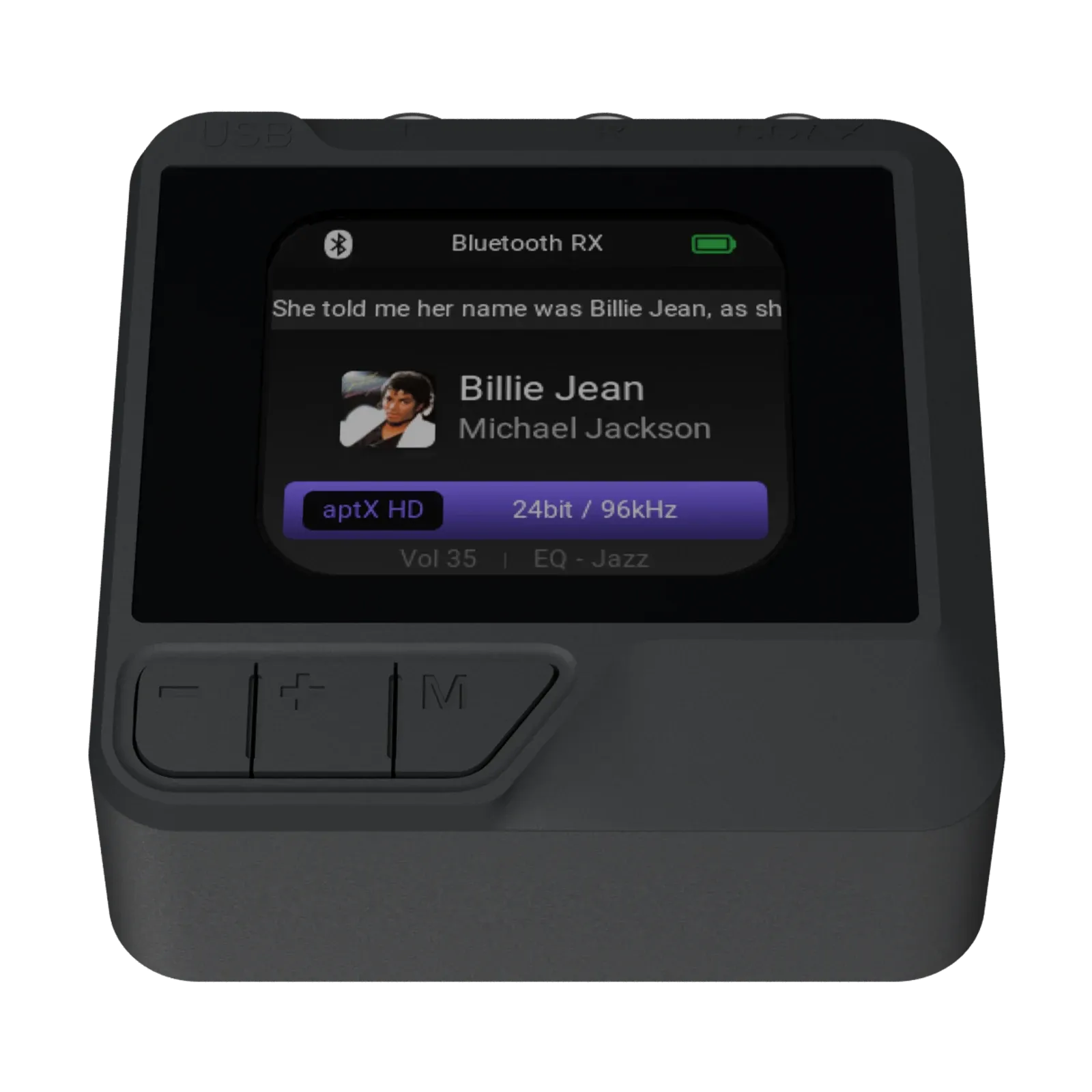
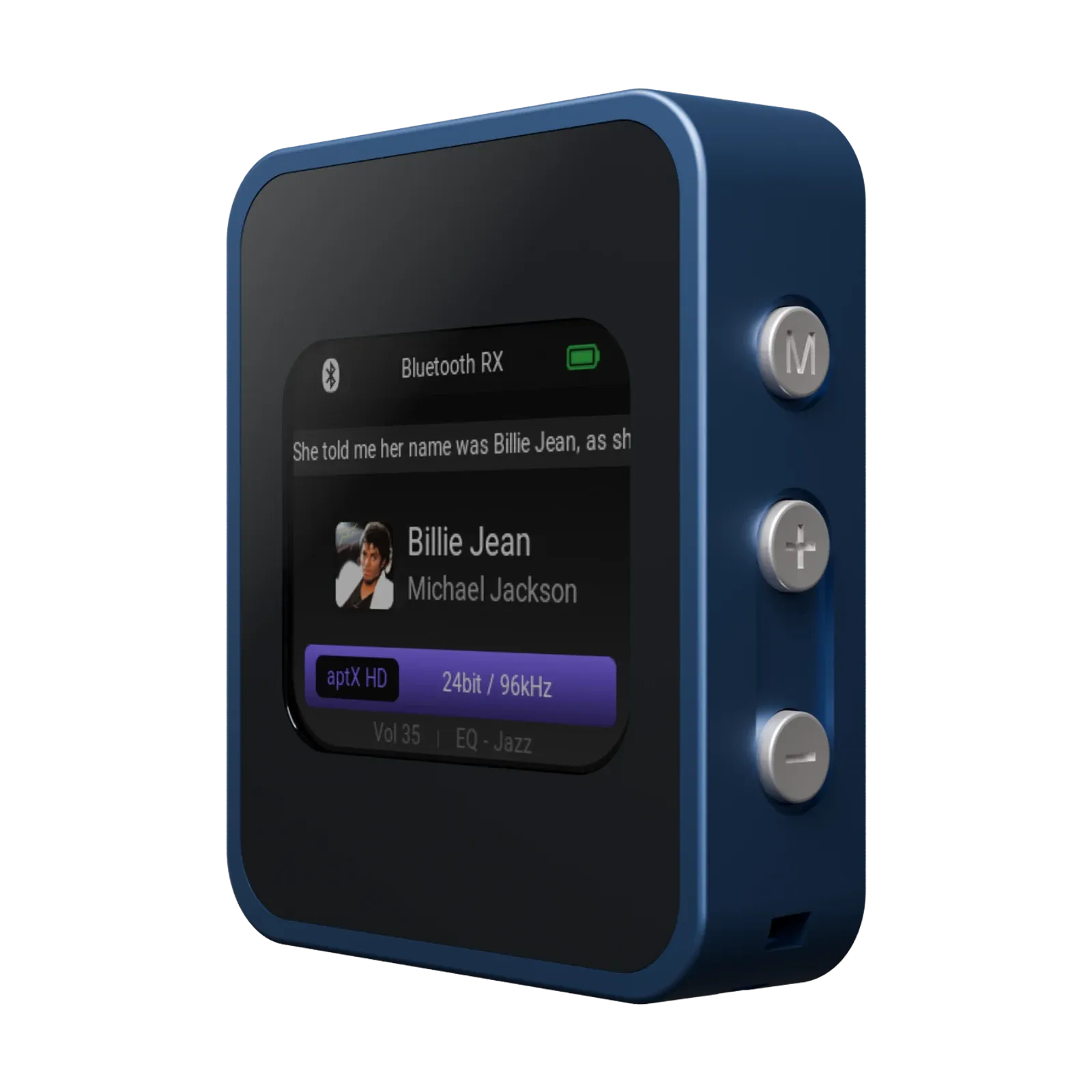
- Home and portable receivers join a broadcast and play it through an amplifier, powered speakers or a hi-fi system. The EV150 is a home receiver with a color display. The EV155 is a portable receiver with a built-in battery.
- Headphones, earbuds and speakers with Auracast receive let each listener join with their own device and set their own volume.
Each receiver has to know which broadcast to join and, if the broadcast is encrypted, the password. On a receiver with a display, the listener can choose from a list. Most earbuds and headphones have no screen, which leads to the third part.
3. The app: how does a listener pick a broadcast?
A broadcast assistant is usually a phone app. It scans for nearby broadcasts, shows them as a list, and tells the receiver which one to join. For a screenless product, this app is the whole Auracast user experience. If it is missing or hard to use, the feature is effectively invisible.
A brand has two options:
- Use an existing app. Our own Gigawit Control handles broadcast setup today.
- Build the broadcast assistant into the brand’s own app, so it sits next to the product’s other settings. See App.
Decide this early. The app’s features determine what the firmware must support, and both have to be tested together.
4. Interoperability: the part customers notice
Auracast is an open standard, but phones, TVs and other brands’ devices implement it differently. A transmitter that works with its own receivers can still fail with a third-party pair of earbuds, and customers will blame the product they bought most recently.
That is why we build and test both ends. Our transmitters and receivers are tested with each other and with third-party devices. When one team owns the transmitter, the receiver and the app, a problem found in testing gets fixed at the right end of the link, without suppliers pointing at each other.
A checklist before you start
- Which sources must the transmitter serve: phones, TVs, computers, or all three?
- Which receivers are in the line, and do they have a screen?
- Will broadcasts be open or password-protected by default?
- Which app will listeners use to choose a broadcast: an existing one or your own?
- Which phones, TVs and third-party devices must it be tested with?
Browse our Auracast products, or start a project and tell us which sources and listeners your line is for.