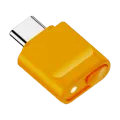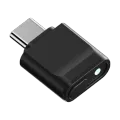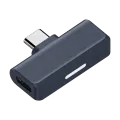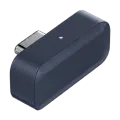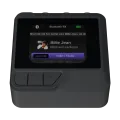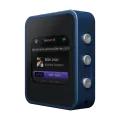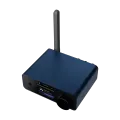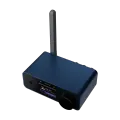
As Bluetooth audio has grown more capable, its settings have grown too complex for a couple of physical buttons to handle. We built Gigawit Control, our own Bluetooth management app, to give every device a proper interface for these advanced features.
How it connects
Gigawit Control talks to gigawit Bluetooth hardware over USB or wirelessly, and runs on the web, Android and iOS, so you can use whichever platform is most convenient on the day.
What it does
- Device dashboard: the home screen for control, with device information, now-playing status, volume, equalizer, codec selection, pairing, Auracast settings and device preferences all in one place
- Equalizer: five presets plus two fully customizable slots
- Pairing management: scan for new devices, pair, reconnect, unpair or disconnect
- Auracast broadcast setup: Auracast lets one source broadcast audio to multiple receivers at once, a capability that needs a proper interface to configure. Gigawit Control provides it
- Firmware upgrades: install new firmware over USB or wirelessly, so devices in the field get bug fixes and new features without being sent back
Available functions depend on the model, hardware version and installed firmware.
No account, no tracking
You can use every feature without an account. The app contains no advertising and no third-party analytics, and the information about your devices stays on your phone or tablet.
Help
For connection, pairing and firmware update instructions, see Gigawit Control support.